

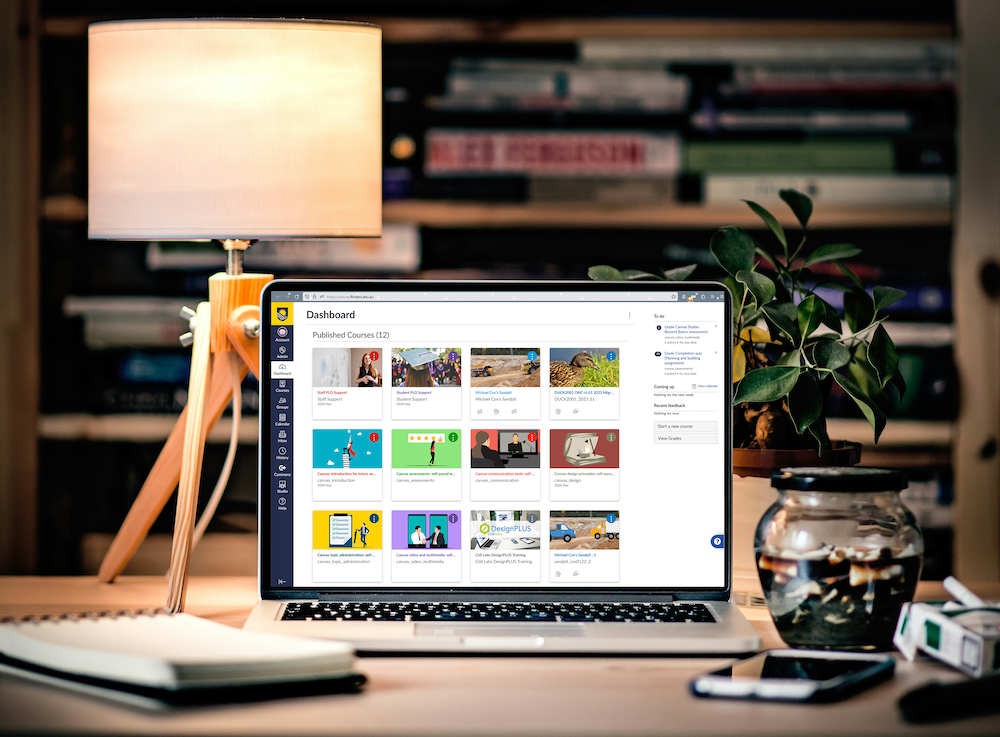
FLO automatically adds and removes courses from the dashboard to give users quick and easy access to the courses they are more likely to be using.
As an example, when a new course is available, the course will automatically appear on the dashboard. Similarly, when a course ends, the course will be removed from the dashboard.
To find courses that are not displayed on the dashboard:
- Click on the Courses tab located in the global navigation menu.
- Click on All Courses located at the top of the list.
- Scroll through the list to find your course. Some courses may appear under Past enrolments or Future enrolments.
To ensure that significant courses are easily accessible, click on the star icon to the left of the course name to favourite it. This action will add the course to the dashboard for seamless accessibility. Topics can also be unfavourited by clicking on the star icon again.