

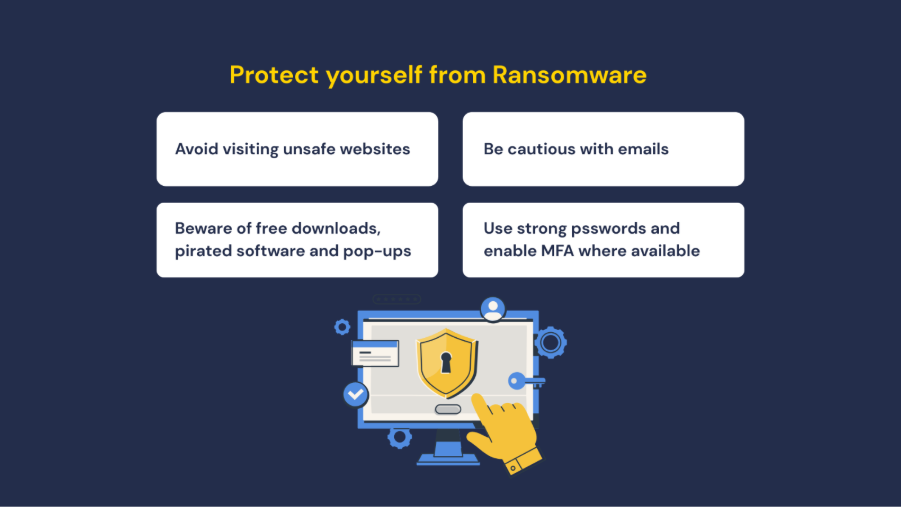
Ransomware continues to pose a significant threat to institutional systems and data. Attackers commonly exploit phishing emails, weak credentials and unpatched systems to gain access. Once activated, ransomware can lock your files and demand payment to restore access. Paying does not guarantee recovery.
Help to protect yourself and Flinders
- Be cautious with emails. Verify the sender and never click on buttons or links in the message body and don’t open or download any suspicious attachments.
- Use strong passwords and enable multifactor authentication where available.
- Avoid visiting unsafe websites
– Legitimate sites handling sensitive data usually display a padlock icon in the browser. (You can view this by clicking the site information icon in the address bar)
– Be cautious of misspelled addresses (e.g. micros0ft.com)
– Avoid sites with constant or suspicious pop-ups. - Beware of free downloads, pirated software and pop-ups.
Warning signals
- You cannot access your devices, or your login doesn’t work for unknown reasons.
- Files request a password or a code to open or access them.
- Files have moved or aren’t in their usual folders.
- Files have unusual file extensions, or their names or icons have changed to something strange.
- You receive sudden requests to enable macros.
- There are pop-up messages demanding payment to unlock files.
If you believe you are affected by a ransomware incident
- Disconnect from all networks, but do not power off your device.
- Do not attempt to fix the issue yourself.
- Report it immediately to the Service Desk on (08) 8201 2345.